
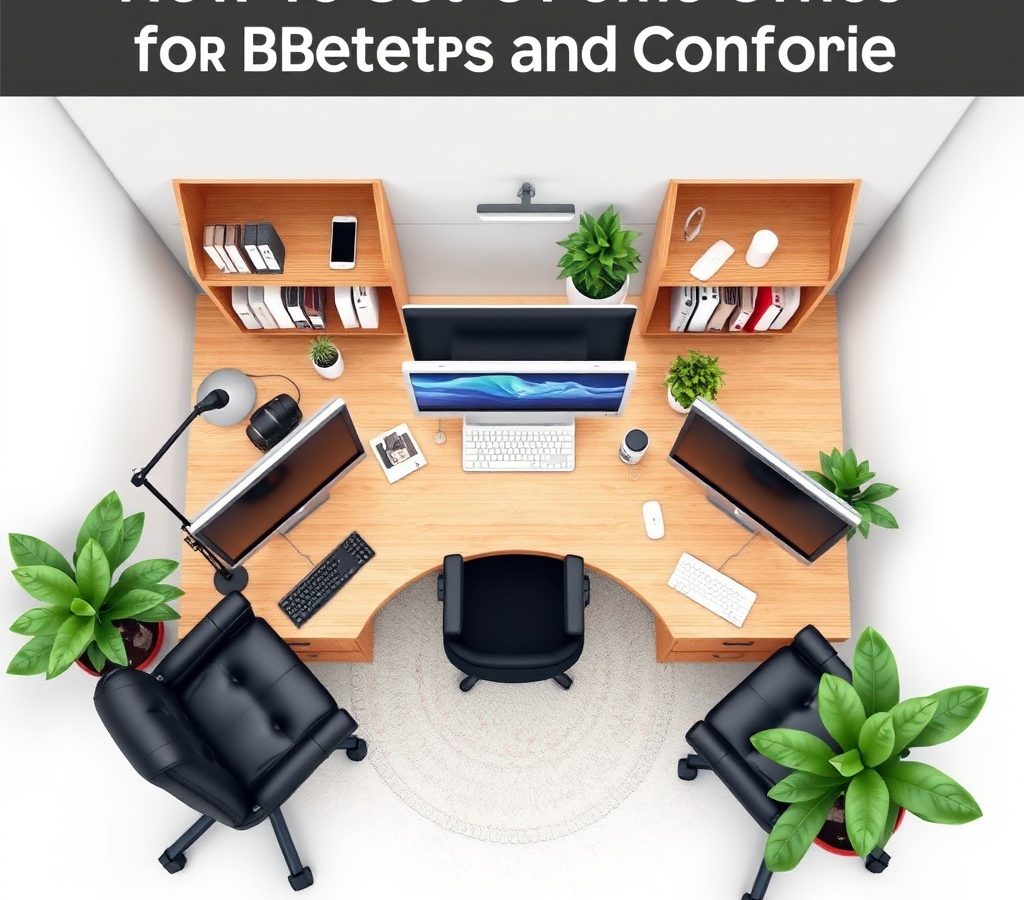
How to Set Up a Home Office for Better Focus and Comfort

How to Set Up a Home Office for Better Focus and Comfort
Transitioning to a remote work environment offers immense freedom, but it also presents a unique challenge: maintaining productivity while staying physically comfortable. When your living space doubles as your workplace, the lines between professional output and personal relaxation can blur. To succeed, you need to create a dedicated environment that supports your body and sharpens your mental clarity. When you set home office boundaries and physical structures correctly, you turn your workspace into a tool for success rather than a source of strain.
The Foundation of Ergonomic Positioning
The most common mistake people make when working from home is treating the dining table or couch as a permanent desk. While convenient in the short term, these surfaces are rarely at the right height for prolonged computer use. Ergonomics is not just about comfort; it is about preventing long-term injury and reducing the fatigue that drains your focus throughout the day.
Aligning your chair and desk height
Your chair is the most important piece of equipment in your office. You should choose a chair that provides adequate lumbar support, keeping your lower back slightly arched so you do not slouch. Adjust the height so that your feet rest flat on the floor, with your knees at approximately a 90-degree angle.
Once your chair is set, position your desk so your elbows rest at a 90-degree angle while you type. If your desk is too high, you will find yourself shrugging your shoulders, which leads to tension headaches. If it is too low, you will hunch forward, putting unnecessary stress on your upper back and neck.
Positioning your screen for eye health
Neck strain is often caused by looking down at a laptop screen. To fix this, elevate your monitor or laptop so the top third of the screen is at eye level. If you are using a laptop, consider purchasing an external keyboard and mouse so you can keep the screen raised without straining your wrists.
Maintain an arm length of distance between your eyes and the screen. This prevents eye strain and helps you maintain a neutral head position. If you find yourself leaning forward to read text, increase the font size on your computer settings rather than physically moving your head closer to the display.
Managing Your Workspace Environment
Physical comfort is only half the battle. Your environment plays a massive role in how well you can concentrate. Distractions in a home setting are plentiful, but they can be mitigated through intentional design and organization. When you set home office zones that are separate from your living areas, you signal to your brain that it is time to focus.
Controlling lighting to reduce glare
Lighting is often overlooked, yet it is a primary factor in focus. Harsh overhead lights can cause glare on your screen and increase eye fatigue. Whenever possible, position your desk near a window to take advantage of natural light.
If you are working in a room without much natural light, use a desk lamp with an adjustable arm. Aim to have ambient lighting that fills the room rather than relying on a single, bright point of light. If you suffer from screen glare, try to orient your monitor perpendicular to windows rather than directly facing them or having them behind you.
Organizing cables and desk clutter
A cluttered desk often leads to a cluttered mind. When your workspace is covered in loose cables, stray papers, and miscellaneous items, your brain has to work harder to filter out visual noise. Take thirty minutes to organize your cables using clips or sleeves.
Keep only the items you use daily on your immediate desk surface. Everything else should be stored in drawers or nearby shelving. A clear, minimalist workspace allows you to transition into a “deep work” state much faster because your visual field is free from unnecessary distractions.
Creating Psychological Boundaries
Setting up a home office is not just about furniture; it is about establishing a routine that separates your work life from your home life. Without physical or temporal boundaries, the stress of work can bleed into your evening relaxation, leading to burnout.
The importance of a dedicated workspace
Even if you live in a small apartment, try to designate a specific spot for work. It does not have to be an entire room, but it should be a space that you only use for professional tasks. When you sit in that chair, your brain should automatically understand that the workday has begun.
When you finish your tasks for the day, physically leave that area. If you work from a laptop, close it and put it away in a drawer. This ritual provides a psychological “commute” that helps you detach from work responsibilities and engage with your personal life.
Incorporating movement into your day
Even the most ergonomic chair will cause discomfort if you stay in it for eight hours straight. The human body is designed for movement, not static posture. Incorporate micro-breaks into your schedule to stretch your neck, shoulders, and legs.
Try the 20-20-20 rule to protect your vision: every 20 minutes, look at something 20 feet away for 20 seconds. This simple habit reduces the digital eye strain that often accompanies long hours of screen time. Additionally, consider using a standing desk converter or taking short walks during your lunch break to keep your blood flowing.
Optimizing Workflow Through Technology
Once your physical environment is set, use technology to support your concentration. Many people find that their focus is interrupted by constant notifications. While you cannot always control the flow of work, you can control how you interact with your tools.
Minimizing digital distractions
Disable non-essential notifications on your computer and phone during your peak productivity hours. If you find yourself constantly checking emails, schedule specific blocks of time to address them rather than keeping your inbox open all day.
You might also consider using noise-canceling headphones if your home environment is noisy. Even if you do not play music, the physical presence of headphones can act as a signal to other household members that you are currently in a period of intense focus and should not be disturbed.
The role of temperature and air quality
A stuffy or overly warm room can lead to drowsiness and decreased cognitive function. Ensure your workspace has adequate ventilation. If you have a window, keep it cracked open for fresh air during the day.
If the temperature is too hot, your brain will struggle to stay alert. Aim for a moderate, comfortable temperature that keeps you focused without making you feel cold. A small fan can help circulate air and keep the environment feeling fresh, which is vital for long-term concentration.
Final Thoughts on Your Workspace
You do not need to spend a fortune to set home office standards that work for you. Start by prioritizing your chair and monitor height, as these will have the biggest impact on your health. From there, focus on minimizing clutter and establishing clear boundaries between your professional and personal life.
Remember that your workspace is a work in progress. Do not be afraid to adjust your setup after a week or two. If your back still hurts, check your chair settings again. If you feel distracted, consider moving your desk to a different wall or adding a privacy screen.
Ultimately, the best home office is one that supports your specific workflow while keeping your physical health in mind. By intentionally designing your environment, you create a space that allows you to perform your best work while preserving the comfort you need to thrive at home. With the right adjustments, you will find that your focus improves and your daily work experience becomes much more sustainable.