
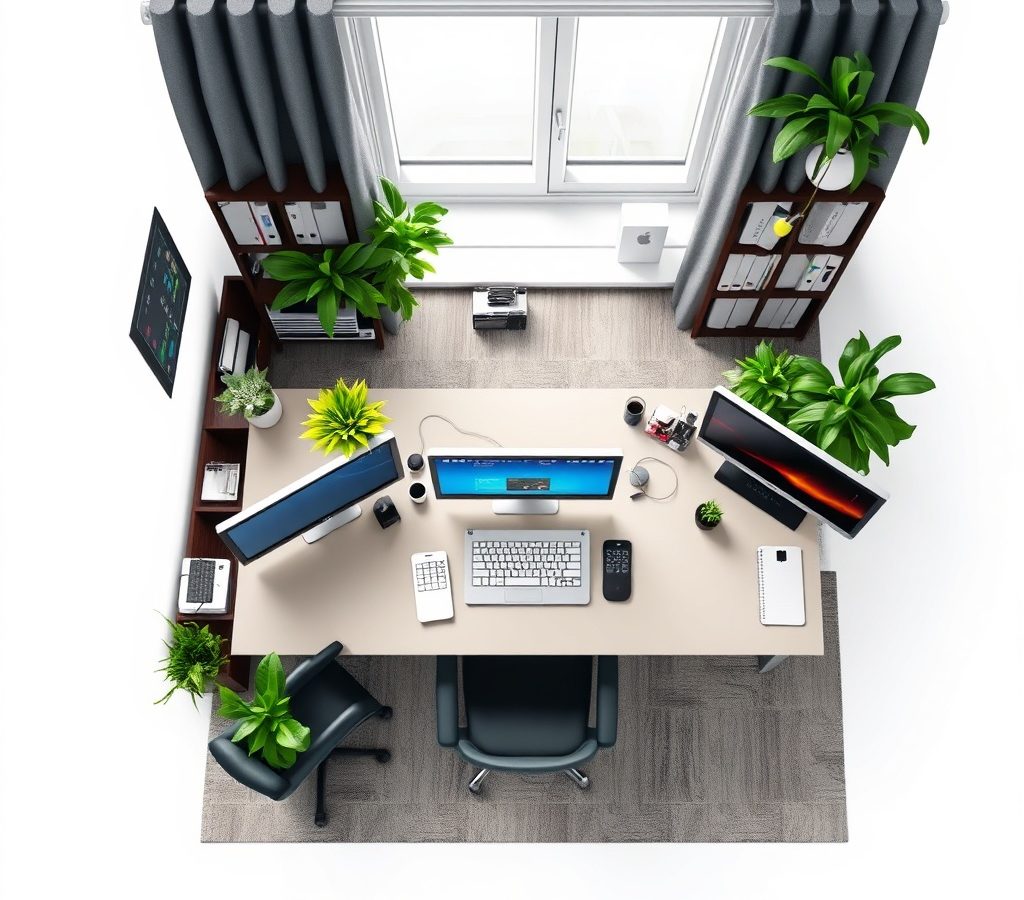
How to Optimize Your Home Office for Better Productivity

How to Optimize Your Home Office for Better Productivity
The transition to remote work has fundamentally changed how we view our professional lives. For many, the kitchen table or a corner of the bedroom became a temporary workspace that never quite transitioned into a permanent solution. However, if you want to perform at your best, you must intentionally optimize home office setups to foster focus and physical comfort.
Creating an environment that supports deep work is about more than just buying an expensive chair. It involves a strategic blend of physical ergonomics, lighting, and psychological boundaries. When your environment is tailored to your specific workflow, you spend less time battling distractions and more time achieving your goals.
Establishing a Dedicated Workspace
The most important step in improving your output is separating your work life from your home life. If you work where you relax, your brain will struggle to toggle between “on” and “off” modes. This leads to burnout and a lack of focus during business hours.
Finding a physical boundary
You do not need a separate room to create a distinct office space. Even in smaller apartments, you can create a psychological boundary by using a specific desk that you only sit at while working. Once you leave that chair, your workday is officially over.
If you must work in a multi-purpose area, try to use a folding screen or a bookshelf to hide your workstation when you are off the clock. Removing visual reminders of your tasks helps your mind transition into rest mode, which is essential for long-term productivity.
Eliminating desktop clutter
A cluttered desk often leads to a cluttered mind. When your workspace is covered in loose papers, empty mugs, and stray cables, your brain has to work harder to filter out visual noise. This unnecessary cognitive load reduces your ability to concentrate on complex tasks.
Adopt a “clean desk” policy at the end of every day. Take five minutes to file papers, put pens away, and wipe down your surface. Starting the next morning with a blank slate allows you to jump straight into your most important work without the friction of cleaning up first.
Prioritizing Physical Ergonomics
Productivity is impossible if you are physically uncomfortable. Remote workers are prone to repetitive strain injuries and back pain because home setups often lack the professional-grade equipment found in corporate offices. Investing in your physical health is a direct investment in your career longevity.
Selecting the right chair
Your chair is the most critical piece of furniture in your office. If you are sitting for six to eight hours a day, a dining chair or a cheap stool will eventually cause significant discomfort. Look for a chair that provides lumbar support, adjustable height, and armrests that allow your shoulders to remain relaxed.
If you cannot afford a high-end ergonomic chair, use a small pillow or a rolled-up towel to support the natural curve of your lower back. The goal is to keep your feet flat on the floor and your knees at a ninety-degree angle to maintain healthy blood flow.
Positioning your monitors correctly
Neck strain is a common issue for remote workers who spend the day looking down at a laptop screen. Your monitor should be positioned so that the top third of the screen is at eye level. This prevents you from hunching forward or straining your neck muscles.
If you use a laptop, consider buying a separate keyboard and mouse. This allows you to elevate your laptop on a stand or a stack of books to reach the correct height. Using external peripherals transforms a cramped laptop experience into a desktop-like setup that is much easier on your joints.
Managing Light and Sound
Your sensory environment dictates your energy levels throughout the day. Harsh lighting can cause eye fatigue and headaches, while a noisy environment makes it difficult to enter a state of flow. Controlling these variables is a simple way to improve your daily output.
Working with natural light
Natural light is the best fuel for your internal clock. Position your desk near a window if possible, but be careful about glare on your screen. If the sun is hitting your monitor directly, use sheer curtains or blinds to diffuse the light without blocking it entirely.
If natural light is unavailable, avoid harsh overhead fluorescent bulbs. Opt for a desk lamp with adjustable color temperatures. Cooler, blue-toned light is excellent for tasks that require high focus, while warmer, yellow-toned light can be more comfortable for reading or late-afternoon tasks.
Controlling auditory distractions
Sound is one of the most common sources of distraction in a home office. If you live with family, roommates, or pets, you need a strategy to manage noise. Noise-canceling headphones are a worthwhile investment for anyone who needs to block out background chatter or household sounds.
If you prefer not to wear headphones, try using a white noise machine or a fan. These devices create a consistent sound floor that masks sudden noises, making it easier to stay in the zone. Even soft background music without lyrics can help some people maintain concentration during repetitive tasks.
Digital Organization and Workflow
Physical space is only half the battle. Your digital environment also needs to be optimized to prevent you from getting sidetracked. If your computer is filled with desktop icons and endless browser tabs, you are likely losing time searching for files and information.
Managing your browser and apps
Limit the number of browser tabs you keep open at once. Each tab is a reminder of a task you haven’t finished, which creates a background sense of urgency. Use bookmark folders to store research or resources so you can close your browser windows at the end of the day.
Consider using a separate browser profile for work and personal use. This keeps your work-related extensions, passwords, and history separate from your personal accounts, which helps prevent the temptation to check social media or personal email during work hours.
Structuring your digital files
Spend time creating a logical folder structure on your computer. If you have to search for a file for more than ten seconds, your organization system needs improvement. Clear naming conventions and consistent folder hierarchies save you time and reduce frustration.
Many remote workers find it helpful to use cloud storage solutions that sync across multiple devices. This ensures that your most important documents are accessible even if your primary computer experiences an issue. Backing up your work regularly is a vital habit that protects you from unexpected technical failures.
The Human Element of Productivity
Even with the perfect desk and the best technology, you are a human who needs breaks. Productivity is not about working every single second of the day; it is about working effectively during the time you have set aside. Regular movement is essential for keeping your brain sharp.
Incorporating movement breaks
Sitting for long periods slows down your metabolism and reduces your mental clarity. Use a timer to remind yourself to stand up, stretch, or walk around the room every hour. A five-minute break can reset your focus and prevent the mid-afternoon slump.
If possible, take your breaks away from your screens. Go to the kitchen for a glass of water, step outside for fresh air, or do a few light stretches. Changing your physical environment for a few minutes helps your brain disconnect and recharge before you return to your next task.
Setting clear boundaries with others
When you work from home, people may mistakenly believe you are available for casual conversation or household chores. It is your responsibility to communicate your working hours clearly. If you are in a meeting or focusing on a deep-work project, use a signal, such as a closed door or wearing headphones, to let others know not to interrupt.
Setting these boundaries is not rude; it is a professional necessity. By teaching others when you are available and when you are busy, you ensure that your work time is respected. This clarity reduces conflict and helps you maintain your concentration throughout the day.
Conclusion
Optimizing your home office is an ongoing process of refinement. You do not need to overhaul your space in a single weekend. Start by addressing the most significant friction points, such as your chair or your lighting, and build from there.
Remember that the goal is to create a space that feels supportive and professional. By removing physical and digital clutter, prioritizing your ergonomic health, and establishing clear boundaries, you can significantly increase your daily output. A well-organized environment provides the foundation for sustainable productivity, allowing you to produce your best work from the comfort of your own home.