
How to Optimize Your Home Office for Comfort and Focus

How to Optimize Your Home Office for Comfort and Focus
Working from home has transformed from a temporary shift into a permanent reality for millions of professionals. While the freedom to work in pajamas is a common perk, the physical reality of a makeshift workspace can quickly lead to fatigue, back pain, and diminished output. To truly succeed in a remote environment, you must take the time to optimize home office setups to prioritize both your physical well-being and your mental clarity.
Creating a productive environment is not just about buying the most expensive chair on the market. It is about understanding how your body interacts with your furniture and how your environment influences your ability to concentrate. By making intentional changes to your workspace, you can sustain your energy levels throughout the day and protect your long-term health.
The foundation of a healthy workspace starts with your chair
The chair is the most critical piece of equipment in your home office. Many people underestimate the impact of seating, opting for dining chairs or worn-out furniture that fails to provide necessary support. Investing in an ergonomic chair is an investment in your ability to work without chronic discomfort.
Adjusting for proper spinal alignment
When you sit, your feet should be flat on the floor, and your knees should be at a 90-degree angle. If your chair is too high, your feet dangle, which puts pressure on the back of your thighs. If it is too low, you end up with your knees higher than your hips, which forces your spine into an unnatural curve.
Look for a chair that offers adjustable lumbar support. This support should fit snugly into the natural inward curve of your lower back. If your chair lacks this feature, a small pillow or a dedicated lumbar roll can bridge the gap and prevent the slouching that inevitably happens as the day progresses.
Choosing the right materials
Materials matter just as much as mechanics. Breathable mesh is often preferred for home offices because it prevents heat buildup during long sessions. However, if you prefer cushioned seats, ensure the foam is dense enough to maintain its shape over time. A seat that bottoms out after an hour will provide zero support for your hips and pelvis.
Positioning your technology to reduce physical strain
Once you are seated correctly, you need to look at how your equipment is arranged. Most common aches-such as neck pain, shoulder tension, and eye strain-are caused by poor monitor placement. Your technology should be adapted to your body, not the other way around.
Setting the monitor at eye level
The top third of your monitor should be at or slightly below eye level. When you look at the screen, your neck should be in a neutral, relaxed position. If you are using a laptop, you are likely looking down, which creates what is often called tech neck. Using a laptop stand combined with an external keyboard and mouse is the most effective way to solve this.
Distance is another factor that is frequently overlooked. Your monitor should be about an arm’s length away from your face. If you find yourself leaning forward to read text, increase the font size on your computer rather than moving the screen closer. This small adjustment significantly reduces the strain on your ocular muscles.
Managing your keyboard and mouse
Your wrists should remain straight and neutral while you type. If your keyboard is too high, you will likely bend your wrists upward, which can lead to carpal tunnel issues over time. A keyboard tray or a desk at the correct height allows your elbows to stay at a 90-degree angle while your hands hover comfortably over the keys.
Managing light and sound to improve focus
Ergonomics is not limited to physical furniture. The sensory input of your room plays a massive role in how well you can concentrate. If you are constantly battling glare or background noise, your brain works harder to stay on task, leading to mental exhaustion by the early afternoon.
Controlling natural and artificial light
Glare on your screen is a major enemy of productivity. If you have a window in your office, position your desk perpendicular to it rather than facing it or having it directly behind you. This side-lighting approach minimizes screen glare while still providing the benefits of natural light.
For artificial lighting, avoid relying solely on a harsh overhead light. A dedicated desk lamp with adjustable brightness or color temperature can help you create a more balanced environment. If you work late into the evening, warmer light settings can help reduce the blue light exposure that often interferes with sleep quality.
Creating an auditory sanctuary
Noise pollution can be a significant distraction in a home environment. If you have loud neighbors or family members in other rooms, consider using noise-canceling headphones or a white noise machine. Even playing low-volume ambient music can help mask erratic sounds that might break your concentration.
Building habits that support your physical health
Even with the most ergonomic setup, sitting for eight hours straight is detrimental to your health. The human body is designed for movement, and stagnation is the enemy of productivity. To maintain high performance, you must build movement into your daily schedule.
Implementing the 20-20-20 rule
To prevent digital eye strain, follow the 20-20-20 rule. Every 20 minutes, look at something at least 20 feet away for 20 seconds. This simple habit forces your eyes to refocus and gives them a necessary break from the blue light emitted by your screen.
Stretching and micro-breaks
Try to stand up at least once every hour. Use this time to stretch your chest, roll your shoulders, and walk around the room. These micro-breaks do more than just help your physical health; they provide the mental reset required to tackle the next task with a fresh perspective. If you find it difficult to remember to move, set a recurring alarm on your phone or use a browser-based timer.
Organizing your desk for mental clarity
A cluttered desk often leads to a cluttered mind. When your workspace is filled with old coffee mugs, stacks of paper, and unnecessary gadgets, your brain spends energy processing that visual noise. Taking ten minutes at the end of each day to reset your space can make a massive difference in your focus the following morning.
The importance of a clean surface
Keep only the items you use daily on your primary desk surface. Everything else should be tucked away in drawers or organizers. If you have limited desk space, consider using vertical storage options like wall-mounted shelves to keep your essentials within reach without crowding your workspace.
Personalizing your space
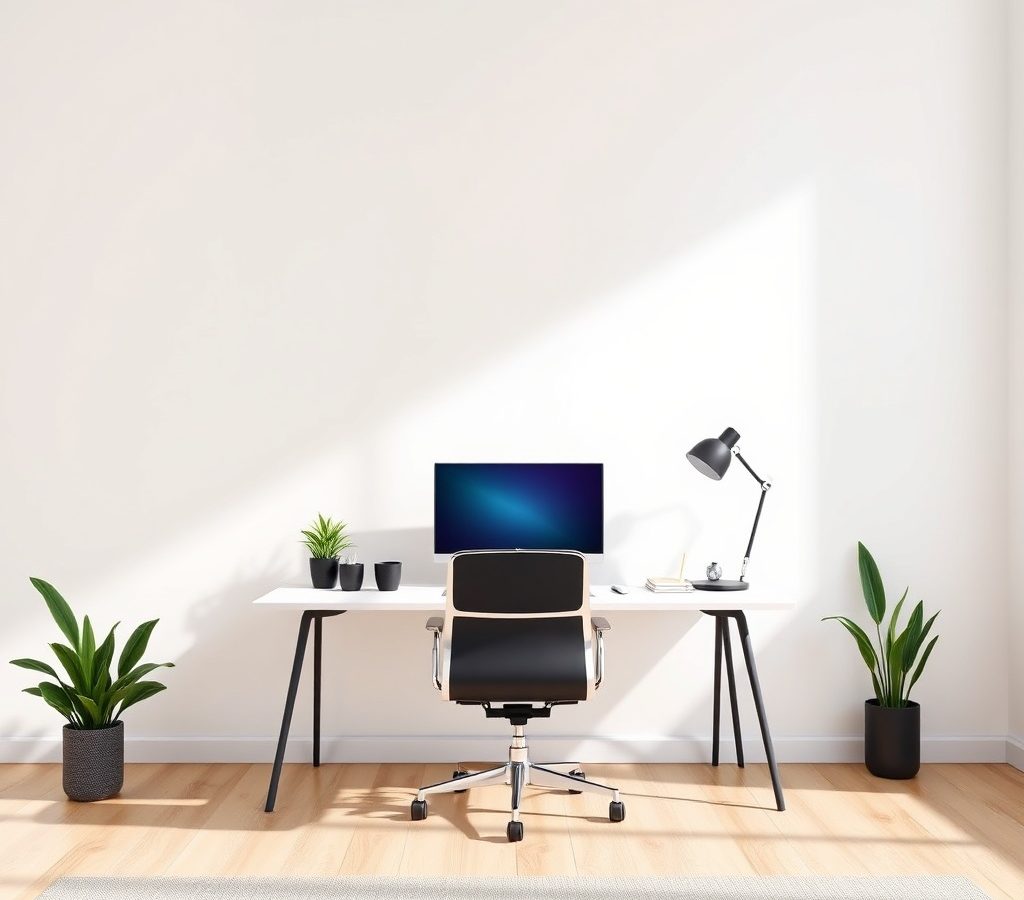
While minimalism is good for focus, your office should still feel like a place you enjoy being. A small plant, a piece of art, or a photo of your family can provide a psychological boost. The key is to keep these items organized so they do not become distractions or sources of clutter.
Conclusion
Optimizing your home office is a continuous process of refinement. It is not about reaching a point of perfection, but rather about making consistent improvements that support your health and your work. By investing in a quality chair, positioning your monitor correctly, managing your environment, and prioritizing movement, you create a sustainable foundation for your professional life.
Remember that your workspace is a tool. When that tool is sharp and well-maintained, your output improves, and your workday becomes significantly more enjoyable. Start with one or two of these adjustments today, and observe how your focus and comfort levels change over the coming week. By taking control of your physical environment, you empower yourself to be more effective, more creative, and more energized in everything you do.